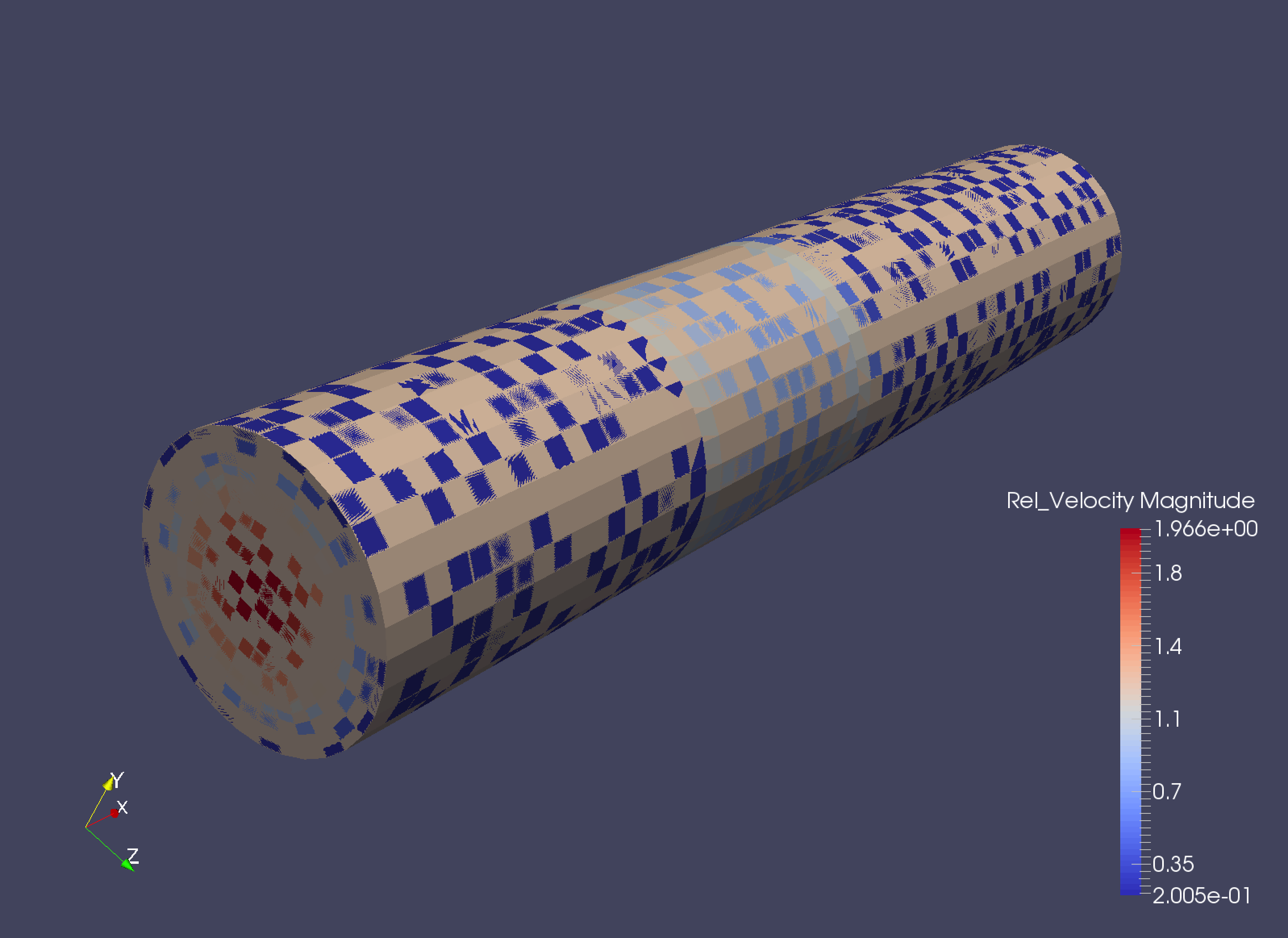
I am unsure if this is related to CS at all, but I can’t really find any info regarding this issue elsewhere. The issue is shown in the picture attached, in that weird tiling of the data obscure the results of my calculations. This incidentally only happened when I started using the turbo machinery module of CS, but I’m not sure that there is any causality there. I have tried visualising point and cell data but the issue is the same.
If anyone can provide any hints as to what might be going wrong that would be appreciated!
Just an idea :
have you checked if you have several blocks in your model ?
If yes, try extract block filter and select the block where there is velocity.
A good hint is the field name in the combobox if it is written something like “(partial)” after the name, then it may means that you have blocks where velocity is not written and then is shown in grey…
Sorry for the late reply but you were correct, that solved the problem for me! I have dealt with several blocks before without this problem which is why I was a bit confused, but at least I can visualise it now, thanks!